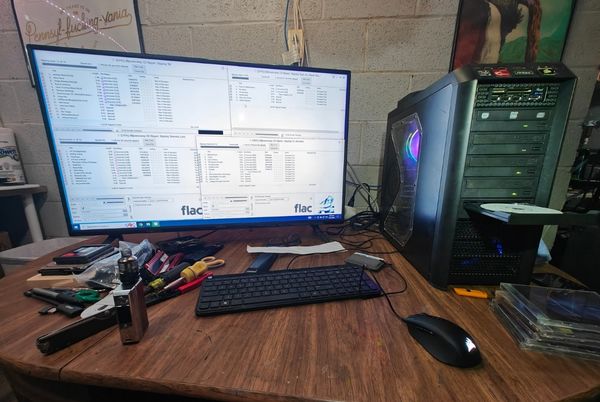
Data Recovery & Backup Help
Lost files are stressful. We’ll assess what happened, attempt recovery when possible, and help you set up backups to prevent future loss.
Overview
Data loss happens for a lot of reasons—accidental deletion, corrupted Windows installs, failing hard drives, damaged external drives, and more. Recovery is sometimes possible, but outcomes depend on the condition of the drive and what happened.
We’ll be direct about what’s realistic and what isn’t.
Common Situations We Help With
- Accidentally deleted files (case-dependent)
- Computer won’t boot but files are needed
- External drive not showing up or disconnecting
- Slow, clicking, or failing drives (urgent situations)
- Need a backup plan set up correctly
Recovery Approach
Step 1: Assessment
We determine symptoms, urgency, and risk (for example, a failing drive can get worse with continued use).
Step 2: Best attempt method
We choose the safest approach based on symptoms and drive condition.
Step 3: Backup plan
Once you’re stable, we help set up a backup routine that fits your needs—so a future failure doesn’t become a disaster.

What to bring
- The computer and/or the drive in question
- Any adapters, cables, or enclosures used with the drive
- A short description of what happened and when
- The most important files/folders to prioritize (if known)